
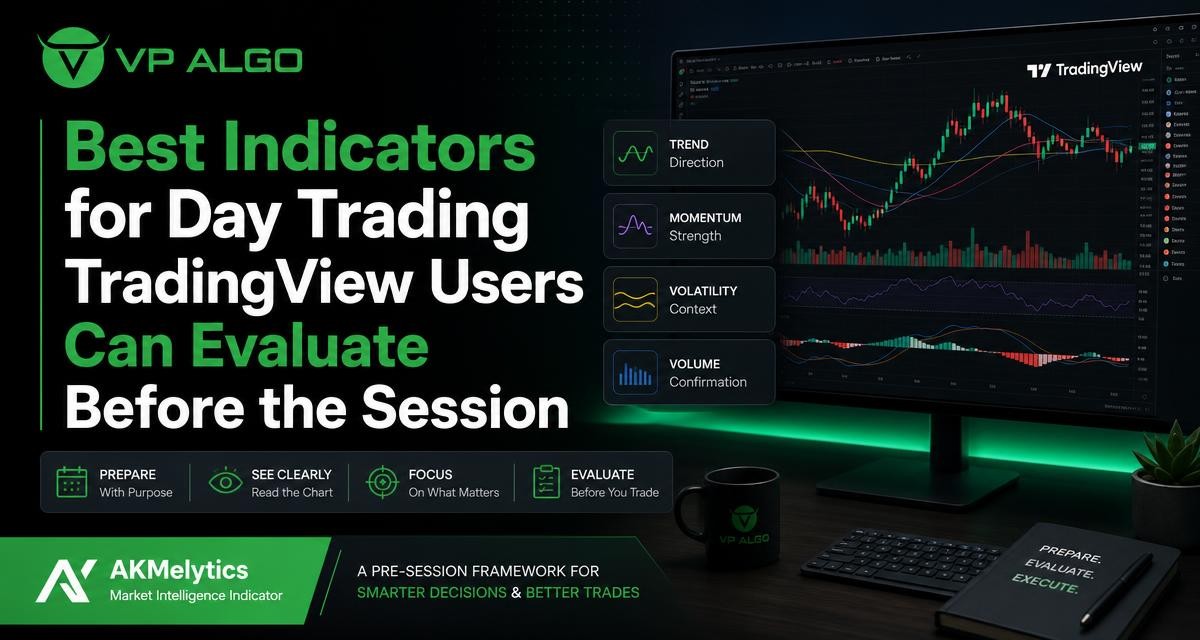
Finding the best indicators for day trading TradingView users can apply is less about collecting popular tools and more about asking useful questions before the session begins. A clear pre-session process can help you examine trend, momentum, market structure and institutional activity without turning the chart into a crowded collection of conflicting signals.
Why indicator selection should begin before the session
Day traders often focus on finding an indicator that produces an entry signal. That approach can miss the more important preparation questions: What is the broader market condition? Is price moving with momentum or pausing? Where has structure changed? Does the chart support a potential setup, or is the market too unclear to interpret?
Indicators are best treated as analytical tools rather than automatic decision-makers. They can organize information and make certain chart conditions easier to review, but they do not remove uncertainty or guarantee a profitable outcome. A pre-session evaluation helps you decide which information matters for your method and which tools are adding unnecessary noise.
The four questions a useful TradingView indicator should help answer
Before comparing individual indicators, define the question each one is meant to answer. This creates a more disciplined form of trading technical analysis and makes it easier to assess whether a tool belongs on your chart.
| Trading question | Useful indicator category | What to review |
|---|---|---|
| What direction is the market showing? | Trend indicator | Directional movement, trend alignment and possible changes in bias |
| Is the current move gaining or losing energy? | Momentum indicator | Strength, acceleration, weakening movement and possible divergence |
| Where has price established or changed structure? | Market structure indicator | Swing points, breaks, shifts in structure and areas requiring attention |
| What may be happening behind visible price movement? | Institutional flow or smart money tool | Flow-related context, liquidity ideas and activity that may support further investigation |
This framework does not mean every trader needs one indicator from every category. It means the chart should have a clear purpose. If two tools answer the same question in nearly the same way, keeping both may make the display more complicated without improving the analysis.
1. Trend indicators for market direction
A trend indicator helps you examine whether price is moving consistently in one direction, rotating within a range or transitioning between conditions. This is often the first layer of a pre-session review because momentum and market structure can look very different in a directional market compared with a sideways one.
When evaluating a trend indicator for TradingView, consider how easily it can be read across the timeframes you use. A useful tool should help you distinguish a broad directional context from short-term fluctuations. It should also make it possible to identify when the existing trend is becoming less clear, rather than encouraging you to treat every line crossing as a complete trading signal.
Questions to ask about a trend tool
- Does it make the broad directional context easier to see?
- Can you use it without covering important price action?
- Does it help separate a trend from a range?
- Can you compare its reading across more than one timeframe?
- Do you understand how it behaves during fast or uneven price movement?
A trend reading is context, not a promise about what price will do next. If the higher-level view is mixed, that uncertainty should remain part of your plan rather than being hidden by a short-term signal.
2. Momentum indicators for strength and timing context
Momentum tools are designed to help traders examine the strength or speed of a move. They can be useful when you want to know whether a directional move appears to be developing, continuing or losing force. This is different from simply asking whether price is rising or falling.
For example, price may continue moving upward while momentum begins to weaken. That observation does not automatically mean a reversal will occur. It may instead suggest that the market deserves closer review, that an entry may be less attractive, or that a trader should wait for additional confirmation from structure and price action.
How to evaluate a momentum indicator
- Check whether the reading is easy to interpret at the timeframes you trade.
- Look for information about strength rather than relying only on overbought or oversold labels.
- Review how the tool behaves during sideways conditions.
- Compare momentum with the prevailing trend instead of reading it in isolation.
- Decide in advance what a weakening reading means for your process.
A momentum indicator for TradingView can support a structured review, but it should not be used as a standalone buy-and-sell mechanism. Momentum can remain strong for longer than expected, and a weak reading can persist while price continues to move.
3. Market structure indicators for swing points and changes
Market structure focuses on how price forms highs, lows, breaks and shifts. It gives traders a way to describe what price has already done and to identify areas where the current interpretation may need to change. This can be particularly useful before a session because it provides a framework for reading price action instead of reacting to isolated candles.
A market structure indicator may help organize swing points and highlight possible changes in the relationship between highs and lows. However, the usefulness of any structure tool depends on its settings, timeframe and the way the trader interprets the displayed information. A marked structure break is a prompt for analysis, not independent proof that a new trend will continue.
Pre-session structure checklist
- Review the broader timeframe and identify the most relevant visible swings.
- Note whether recent price action supports continuation, a range or a transition.
- Mark areas where structure has changed or where a break requires confirmation.
- Move to the execution timeframe and check whether the smaller structure agrees with the broader view.
- Write down what would invalidate your current interpretation.
This process can reduce the temptation to treat every small movement as a new market narrative. It also makes your chart review more consistent from one session to the next.
4. Institutional flow and smart money analysis
Smart money concepts and institutional flow tools are intended to add another layer of context to chart analysis. Depending on the indicator, this type of analysis may help traders investigate liquidity, market structure, institutional activity or flow-related conditions. The key word is investigate: these tools should support questions rather than present unqualified certainty about what market participants will do.
When assessing a smart money indicator for TradingView, look at whether its information can be combined with trend, momentum and structure without creating confusion. A tool that produces many labels may appear detailed but still be difficult to use consistently. Clear visual hierarchy is often more valuable than a large number of signals.
Questions for reviewing smart money tools
- What specific concept is the indicator displaying?
- Can you explain each label or zone without relying on guesswork?
- Does the information relate to your chosen timeframe?
- Does it confirm an existing observation, or does it introduce a separate and conflicting narrative?
- Can you define how the reading affects your plan before the session starts?
VP ALGO TRADING develops TradingView indicators and algorithmic trading tools for traders who want a more structured way to evaluate market conditions. Its identified indicator offering includes features related to trend analysis, momentum signals, market structure, institutional flow monitoring, multi-timeframe trend assessment and smart money analysis. These features are intended to assist educational analysis and trading decisions, not to replace independent judgment or provide financial advice.
How to build a readable pre-session chart
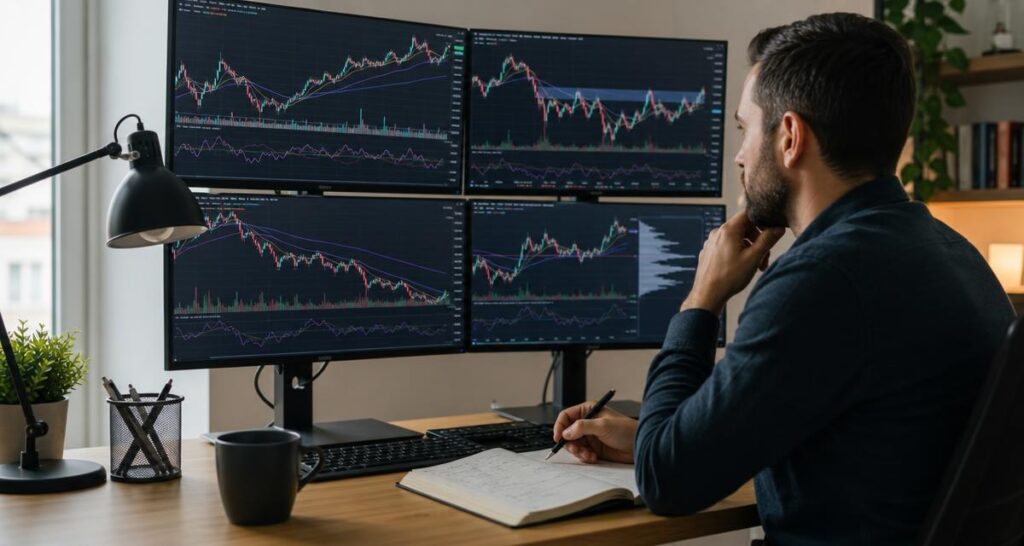
The best indicators for day trading TradingView users can evaluate are not necessarily the tools with the largest number of features. They are the tools that help answer relevant questions while leaving enough room to see price clearly. Start with the chart itself, then add information in layers.
A practical chart-building sequence
- Begin with price. Review the higher-timeframe direction, recent swings and obvious areas of interest before adding signals.
- Add the trend context. Use a trend tool only if it clarifies the directional environment or makes multi-timeframe review easier.
- Review momentum. Ask whether the current move has strength, is losing energy or is difficult to classify.
- Check structure. Compare recent breaks and swing relationships with the broader market context.
- Layer smart money or flow information. Use it to investigate activity and liquidity-related questions, not to override every other observation.
- Remove duplicated information. If multiple indicators produce the same type of reading, decide whether all of them are necessary.
A readable chart should allow you to explain the current market condition in a few sentences. If you cannot tell which signal matters most, the chart may need fewer elements or a clearer hierarchy.
Multi-timeframe analysis without conflicting signals
Many TradingView users review more than one timeframe before the session. The purpose is not to make every timeframe agree perfectly. Shorter timeframes naturally contain more detail and more fluctuation. Instead, use each timeframe for a defined role.
| Review layer | Primary purpose | Useful question |
|---|---|---|
| Broader timeframe | Context | What type of market environment is visible? |
| Session or intermediate timeframe | Structure | Where are the recent swings and possible changes? |
| Execution timeframe | Specific setup review | Does current price action meet the conditions being studied? |
When readings conflict, do not automatically select the timeframe that supports the trade idea. Record the conflict and decide whether your approach allows trades in that situation. A multi-timeframe trend assessment is most useful when it improves consistency, not when it is used to search for confirmation after the fact.
Common mistakes when choosing day trading indicators
Using too many indicators
Adding more tools can create the impression of deeper analysis while making the chart harder to read. Similar trend and momentum indicators may produce repeated information. Choose tools by function and remove those that do not change your understanding of the market.
Treating labels as predictions
A label, arrow or highlighted zone describes an interpretation generated by the indicator. It does not guarantee that price will follow the implied direction. Review how the tool behaves in different conditions and define what additional evidence you require.
Ignoring the market environment
A tool that is easy to read in a strong trend may be less useful during consolidation. Your evaluation should include directional, ranging and transitional conditions where possible. This helps you understand when the indicator provides context and when it may require more caution.
Changing settings to fit one chart
Frequent setting changes can make it difficult to know whether an approach is consistent. If you adjust a setting, document why you changed it and review the effect over time. Avoid selecting settings simply because they made a past chart look clearer.
Evaluating a TradingView indicator before using it regularly
Before adopting a new trading indicator, create a simple review process. Examine what the tool displays, what each component means and which trading question it is designed to address. Then observe it across the market conditions relevant to your own analysis. This is not a guarantee of future performance; it is a way to understand the tool before depending on it.
- Read the product explanation and identify the indicator’s main functions.
- Confirm which information is visualized and which assumptions you are making.
- Check whether the chart remains readable with your other tools enabled.
- Practice describing the indicator’s reading without immediately turning it into a trade decision.
- Keep a written record of how the tool fits into your pre-session routine.
VP ALGO TRADING offers its AKMelytics – Market Intelligence Indicator as a TradingView-related product for traders evaluating market intelligence tools. The company also provides support for installation, activation or usage assistance after purchase, with customers instructed to provide their TradingView ID by email for product access. A request-based seven-day free trial is offered for its indicator and Telegram channel; eligibility and other conditions should be confirmed directly with the company.
Creating a repeatable pre-session evaluation framework
A useful framework should be specific enough to repeat and flexible enough to reflect changing market conditions. Before each session, write a short summary using the same sequence: trend, momentum, structure and smart money or flow context. If one category is unclear, record that uncertainty rather than forcing a conclusion.
At the end of the review, define what would make the market easier or harder to interpret. This could include a clearer structure reading, renewed momentum or alignment between the broader and execution timeframes. The objective is not to predict every move. It is to understand what the chart is showing, what remains unknown and which information deserves attention during the session.
FAQ: Best indicators for day trading TradingView users can evaluate
What are the best indicators for day trading TradingView users should review first?
Start with tools that answer different questions: trend for direction, momentum for strength, market structure for swing relationships and smart money or flow analysis for additional context. The right combination depends on your method and should keep the chart readable.
Can one TradingView indicator provide everything needed for day trading?
No indicator can remove uncertainty or replace a complete trading process. A multi-feature tool may organize several types of information, but you still need to understand what each feature shows and how it fits your analysis.
Is a momentum indicator enough to identify an entry?
Momentum can show strength or weakening movement, but it does not independently confirm a complete setup. Review momentum alongside trend, structure, price action and the rules of your own approach.
How should beginners use a market structure indicator?
Use it first to learn how swings, breaks and changes are represented on the chart. Compare the display with price action across different conditions and avoid treating every marked break as proof of continuation.
What makes a smart money indicator useful on TradingView?
It should present a defined concept clearly and help you investigate structure, liquidity or flow-related conditions without overwhelming the chart. Its output should support analysis rather than be treated as a guaranteed prediction.
Does VP ALGO TRADING provide financial advice through its indicators?
No. VP ALGO TRADING positions its indicators and trading software as tools for educational analysis and trading-decision assistance, not as financial advice or personalized guidance.


Recent Comments