
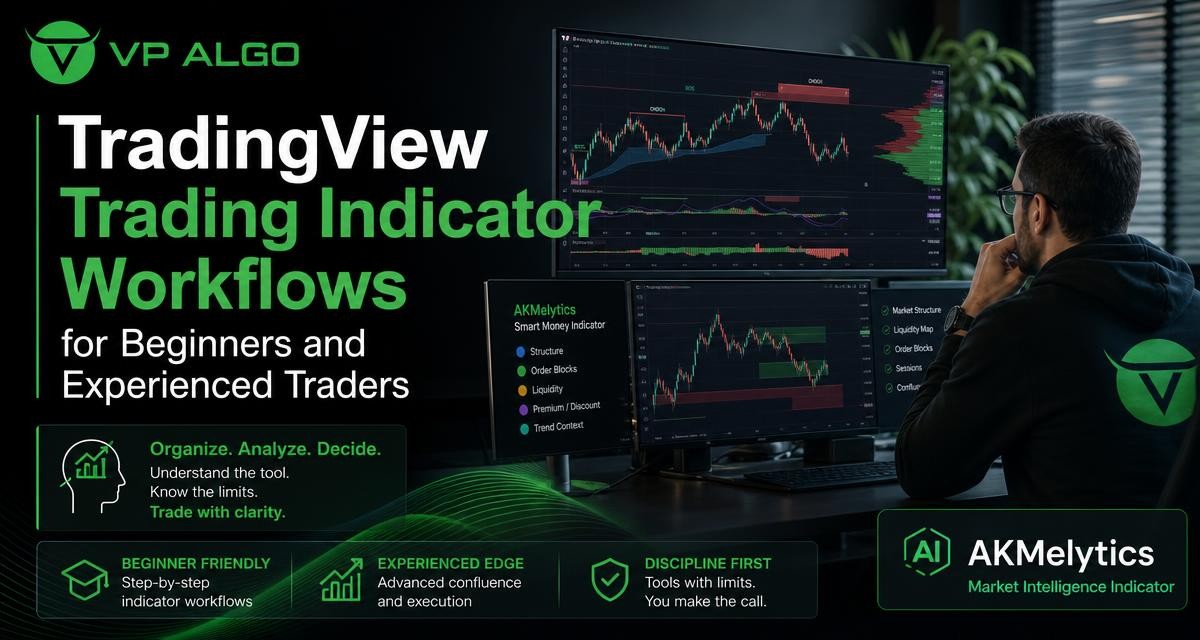
A TradingView trading indicator can help organize chart analysis, but it should not replace a trader’s own reasoning. Beginners often need a simple process for reading trend, momentum, and market structure, while experienced traders may want a broader view of institutional activity and smart money conditions. A structured workflow can help both groups use indicators more consistently and understand where the tool’s limitations matter.
Why a workflow matters when using TradingView indicators
Adding several indicators to a chart is not the same as having a repeatable analysis process. Without a clear order, traders may jump between signals, give too much weight to one visual prompt, or treat an indicator output as a complete trading decision. A workflow creates a framework for asking the same types of questions each time a chart is reviewed.
The aim is not to find a single “best” trading indicator. Different tools describe different parts of market behaviour. A trend indicator may help show directional conditions, a momentum indicator may describe the strength of a move, and a market structure indicator may add context around price movement. These observations still need to be interpreted together and checked against the trader’s own plan.
A practical TradingView trading indicator workflow
A useful review can move from broad context to specific details. The exact timeframes and chart settings depend on the trader’s method, so the workflow should be treated as an educational framework rather than a fixed strategy.
| Review stage | Main question | What to examine |
|---|---|---|
| Market context | What conditions are visible? | General direction, structure, and notable changes in behaviour |
| Trend | Is the market moving directionally or consolidating? | Trend assessment and alignment across selected timeframes |
| Momentum | How strong is the current movement? | Momentum signals and whether price movement is gaining or losing force |
| Structure | How is price behaving around important areas? | Market structure, breaks, shifts, and possible areas of interest |
| Smart money context | What additional activity or flow information is available? | Institutional activity and smart money concepts shown by the tool |
| Decision review | Does the chart fit the trader’s rules? | Confirmation, invalidation conditions, risk planning, and uncertainty |
1. Start with the broad market picture
Before focusing on an entry signal, identify the general condition shown on the chart. Price may be trending, moving sideways, or transitioning between conditions. This first step helps prevent a trader from interpreting a short-term signal without considering the wider chart.
For example, a momentum reading may appear strong during a brief price movement, even though the broader market is consolidating. Conversely, a temporary pullback within a larger directional move may look weak on a lower timeframe. A TradingView trading indicator is more useful when its output is considered in relation to the surrounding price behaviour.
2. Review trend direction and timeframe context
A trend indicator for TradingView can support an initial assessment of direction. Newer traders may find it helpful to begin with one clearly defined chart timeframe rather than switching constantly between several views. The goal is to understand what the indicator is measuring and how its display changes as market conditions change.
More experienced traders may compare trend conditions across multiple timeframes. This can help them distinguish a short-term movement from a broader trend, but it also introduces more room for conflicting information. When timeframes disagree, the disagreement should be recorded and considered rather than hidden by selecting only the most convenient signal.
3. Examine momentum without treating it as a forecast
A momentum indicator for TradingView can help traders study the strength or pace of a price move. Momentum information may be useful when it supports other observations, such as a directional trend or a visible change in market structure. It should not be treated as proof that price must continue in the same direction.
Momentum can change quickly, particularly when market conditions are unsettled. A responsible workflow therefore asks whether momentum is consistent with the broader context, whether it is strengthening or weakening, and what evidence would show that the original interpretation is no longer valid.
4. Use market structure to add price context
A market structure indicator can help organize observations about how price has been moving. Depending on the tool’s design, this may include visible changes in structure or other chart-based indications. Traders should understand the definitions used by the indicator before relying on its labels or alerts.
Market structure is not a substitute for reading the chart. It is a way to describe what the chart may be showing. Beginners can use it to learn concepts such as directional movement, consolidation, and structural change. Experienced traders may use it as one layer in a larger review that includes trend, momentum, and smart money analysis.
How beginners can build confidence without overcomplicating the chart
New traders often face the temptation to add every available tool. More information does not automatically produce better analysis. A simpler chart makes it easier to identify what each indicator contributes and whether two indicators are repeating the same information.
Learn the tool before evaluating its signals
Read the indicator’s instructions and learn what its visual elements mean. A label, line, colour change, or alert may have a specific definition that is different from a trader’s assumption. Understanding the tool includes knowing which observations are retrospective, which may change as new price data appears, and which settings affect the display.
It is also useful to review historical charts for educational purposes. The purpose is not to assume that past examples predict future results. Instead, historical review can help a trader see how the indicator behaves in trends, ranges, reversals, and periods of conflicting information.
Use a written checklist
A short checklist can reduce impulsive interpretation. It might include questions such as:
- What is the broader market condition?
- What does the selected trend view show?
- Does momentum support or conflict with the trend observation?
- What is the visible market structure?
- What does the indicator show about smart money or institutional activity?
- What would invalidate the current interpretation?
- Am I making a decision because of a defined process or because of one attractive signal?
The checklist should support independent judgment rather than encourage automatic action. Trading indicators are tools for analysis and decision assistance, not financial advice.
How experienced traders may extend the workflow
Experienced traders may already have a preferred method for chart review. In that case, a smart money trading indicator can be used as an additional analytical layer rather than as a replacement for the existing process. The benefit comes from understanding how the tool’s information fits with the trader’s current market model.
Compare signals instead of counting them
It can be tempting to interpret several aligned signals as a stronger guarantee. That approach can be misleading when the signals are derived from related price information. Instead of counting confirmations, ask whether each signal adds a genuinely different perspective.
For instance, trend and momentum may both describe directional movement, while market structure may provide a different way to interpret how price is changing. Institutional flow or smart money information may add another perspective, but it still requires an understanding of how the indicator represents that information.
Use multi-timeframe analysis carefully
Multi-timeframe trend assessment can help place a shorter-term chart in a wider context. It can also produce conflicting readings, particularly during transitions or consolidation. Experienced traders should define in advance which timeframe provides context and which timeframe is used for more detailed review.
When the readings do not align, the result is not necessarily a trade signal. It may simply indicate uncertainty or a market condition that does not fit the trader’s rules. Recognizing when not to force an interpretation is an important part of disciplined analysis.
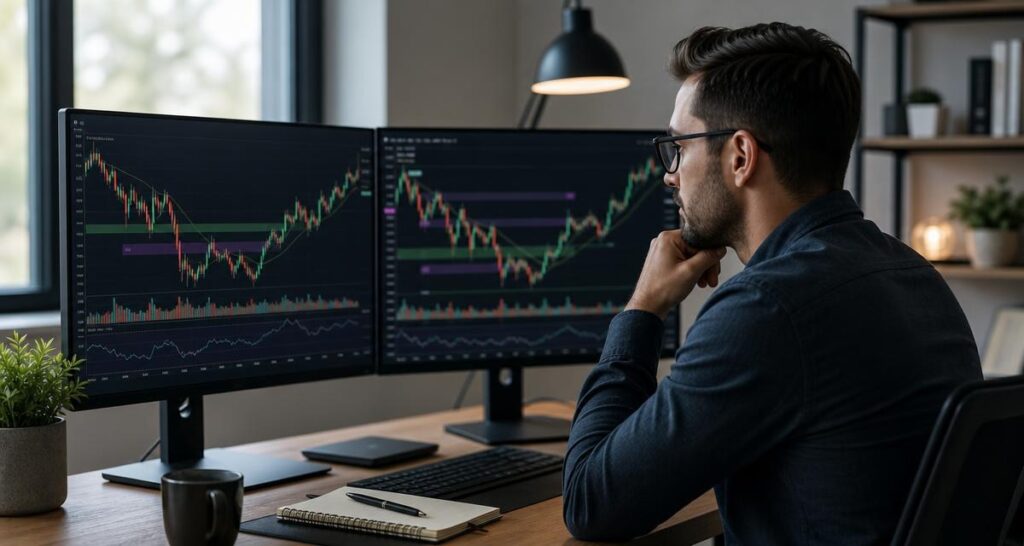
Using the AKMelytics Smart Money Indicator for structured review
The AKMelytics Smart Money Indicator is positioned as a market intelligence indicator for TradingView. The supplied product information describes features related to trend analysis, momentum signals, market structure, institutional flow monitoring, multi-timeframe trend assessment, and smart money analysis.
These features can support a layered review. A trader might begin with the broader trend, study momentum, examine market structure, and then consider the smart money or institutional activity information shown by the tool. The order can be adapted to the trader’s method, but each feature should be understood on its own before it is combined with the others.
Questions to ask before relying on an indicator output
- What market concept does this feature represent?
- Is the output confirming an observation or introducing a new one?
- Does the signal appear during both trending and ranging conditions?
- Could the display change as additional price data becomes available?
- What other evidence would be needed before the observation fits my trading plan?
These questions help keep the indicator in its proper role. The tool can organize information, but the trader remains responsible for understanding the method, assessing uncertainty, and deciding whether the chart fits the trader’s own rules.
Common mistakes when choosing a TradingView trading indicator
Expecting a buy and sell indicator to make every decision
A buy and sell indicator may present clear-looking prompts, but no visual prompt removes the need for context and risk planning. A signal can be technically consistent with the indicator’s rules while still occurring in a market condition that does not suit the trader’s approach.
Changing settings until the chart looks perfect
Frequent setting changes can make historical examples appear more appealing without improving the trader’s understanding. Settings should be changed for a defined analytical reason, and the trader should document what changed and why. Otherwise, the chart may become difficult to interpret consistently.
Using too many overlapping indicators
Several indicators may appear to confirm one another while simply repeating similar calculations or price observations. A focused workflow usually makes it easier to identify which tool provides trend context, which provides momentum information, and which adds market structure or smart money analysis.
Ignoring the limitations of technical tools
Indicators are based on defined calculations, chart inputs, or programmed interpretations. They cannot guarantee an outcome or eliminate losses. They may also be less informative when the market is moving unpredictably or when the trader has not understood the conditions under which the tool is designed to be read.
Questions to ask before selecting an indicator
Before using a TradingView indicator, consider whether its purpose matches the problem you are trying to solve. A trader who needs help identifying direction may look for trend analysis, while another may need a clearer way to study momentum or market structure. The right question is not simply whether an indicator is popular, but whether its information is understandable and relevant to the trader’s process.
Also consider how the product is accessed and supported. VP ALGO TRADING provides trading indicators and software tools for TradingView, and its supplied business information states that customers can contact support for installation, activation, or usage assistance after purchase. The website also offers a request-based seven-day free trial for its indicator and Telegram channel. Eligibility and other terms should be confirmed directly with the company before relying on them.
A responsible way to test a new indicator
- Read the available instructions and identify the purpose of each feature.
- Apply the indicator to charts for observation before making it part of a live decision process.
- Record what the tool shows in different market conditions.
- Compare its information with your existing analysis rather than assuming it is automatically correct.
- Define what would count as a useful observation and what would show that the tool does not fit your method.
- Review the process regularly and avoid changing rules based on one chart or one outcome.
This approach supports learning without presenting historical behaviour as a promise about future performance. It also makes it easier to explain why the indicator is being used and where its limitations apply.
Final thoughts
A well-organized TradingView trading indicator workflow can help beginners develop a repeatable chart review process and help experienced traders add structure to an established method. Trend, momentum, market structure, institutional activity, and smart money concepts each offer a different analytical perspective, but none should be treated as a guarantee or as a replacement for independent judgment.
The AKMelytics Smart Money Indicator is designed to bring several of these perspectives into a TradingView-based review. Traders considering it should learn how its features work, test whether the information fits their process, and make decisions with a clear understanding of uncertainty and risk.
Frequently asked questions
What is a TradingView trading indicator?
A TradingView trading indicator is a chart-based tool that presents calculations or interpretations intended to help traders study market conditions. It may focus on areas such as trend, momentum, market structure, or smart money concepts.
How should beginners start using an indicator?
Beginners should start by learning what each visual element means and using a simple written checklist. Studying the indicator across different chart conditions can help build understanding without treating historical examples as guarantees.
What does a smart money indicator for TradingView show?
A smart money indicator may organize information related to smart money concepts or institutional activity. The exact interpretation depends on the tool, so users should read its instructions and understand its limitations before relying on the display.
Can one indicator provide a complete trading strategy?
An indicator can contribute information to a trading process, but it does not remove the need for market context, rules, risk planning, and independent judgment. No indicator guarantees profitable results or eliminates trading losses.
Why combine trend, momentum, and market structure analysis?
These perspectives describe different aspects of price behaviour. Reviewing them together may provide a more organized picture, provided the trader understands what each tool contributes and does not count overlapping signals as separate guarantees.
Is the AKMelytics Smart Money Indicator financial advice?
No. The indicator is a trading analysis and decision-assistance tool. VP ALGO TRADING positions its products for educational and trading-decision assistance purposes rather than as financial advice.
Where can users get help with the indicator?
According to the supplied business information, customers can contact VP ALGO TRADING for installation, activation, or usage assistance after purchase. Users should contact the company directly for current access and support details.


Recent Comments