
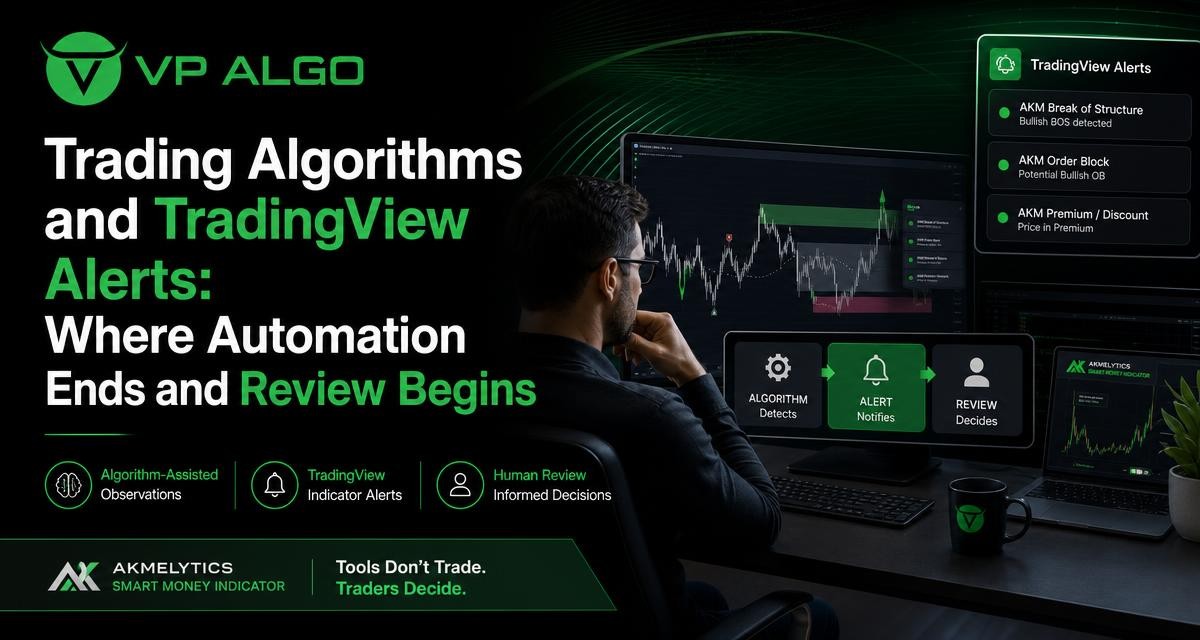
Trading algorithms can help traders organize trend, momentum, market structure and smart money observations on a TradingView chart. However, an algorithm-assisted indicator and a fully automated trading system are not the same thing. TradingView indicator alerts can draw attention to a developing condition, while a trader may still need to review the broader chart context, decide whether the setup fits a trading plan and manage the decision responsibly.
What trading algorithms do in a charting tool
In a charting environment, trading algorithms are sets of programmed rules used to process market data and present observations in a consistent format. Those rules may evaluate elements such as price direction, momentum, structural events, relative strength, volatility or relationships between different timeframes. The result is usually displayed through chart markers, levels, dashboards or alerts.
This type of automation is useful because a trader can otherwise spend considerable time switching between indicators and manually checking the same conditions. A structured indicator can make recurring observations easier to see and may help reduce the inconsistency that comes from relying only on memory. It does not, by itself, turn an observation into a complete trade decision.
Algorithmic analysis is not the same as execution
The word “algorithm” can describe several different levels of automation. A chart indicator may calculate and display information. An alert system may notify a trader when a configured condition occurs. A separate automated execution system may send orders through a supported connection. These functions should not be treated as interchangeable.
| Level of automation | What it generally does | What it does not decide by itself |
|---|---|---|
| Chart analysis | Processes data and displays signals, levels or contextual observations. | Whether the trader should act on the observation. |
| TradingView indicator alerts | Notifies the trader when a configured chart condition is met. | Whether the market context makes the alert suitable for a trade. |
| Order automation | May transmit instructions through a separate execution workflow. | Whether the underlying assumptions, risk limits and market conditions remain appropriate. |
The AKMelytics – Smart Money Indicator is described as a TradingView technical analysis tool that combines trading algorithms for momentum, trend analysis, market structure, market flow, relative strength and smart money concepts. Its purpose is to support the evaluation of potential setups and decision-making, rather than provide financial advice or guarantee an outcome.
How TradingView indicator alerts fit into the process
TradingView indicator alerts can act as a notification layer between chart analysis and human review. When a configured condition is reached, an alert can prompt the trader to return to the chart and inspect what is happening. This is different from assuming that every alert is a complete buy or sell instruction.
For example, an alert might draw attention to a momentum change, a market structure event or another condition selected in the indicator. The alert may be useful even when the trader ultimately decides not to take action. Its role is to reduce the need to watch every chart continuously, not to remove the need for judgement.
Why an alert should be treated as a prompt
A chart condition can occur in more than one market environment. A structure event during a clear directional move may have a different meaning from a similar event during a period of sideways price action. Momentum can also change quickly, while a higher-timeframe trend may remain different from what appears on a short-term chart.
For that reason, a responsible workflow treats an alert as a prompt for investigation. The trader can review the timeframe, price structure, nearby levels, volatility, momentum and any other rules in the trading plan before deciding what to do next.
- Confirm which chart and timeframe generated the alert.
- Review the surrounding price action rather than focusing only on the marker.
- Compare the signal with the broader trend and relevant market structure.
- Check whether the condition meets the trader’s predefined setup rules.
- Consider risk, invalidation and position management before taking action.
Where automation helps traders
Automation is most useful when it handles repeatable observation tasks. A trader may want to monitor several charts, compare timeframes or look for specific structural conditions without manually scanning every candle. A TradingView indicator can present those observations in a more organized way and help the trader focus attention where further review may be worthwhile.
Consistent processing of selected conditions
Human traders can interpret the same chart differently from one review to the next. Fatigue, distractions and changing expectations may affect what receives attention. A programmed calculation applies its defined rules consistently. That consistency can be valuable for analysis, journaling and comparing observations across multiple chart situations.
Multi-factor chart context
A tool that brings several analytical components together may help reduce unnecessary switching between separate chart studies. The AKMelytics – Smart Money Indicator includes features related to trend analysis, momentum signals, market structure, institutional flow monitoring, multi-timeframe trend assessment and smart money analysis. It also includes elements such as BOS and CHoCH structure events, Fibonacci projections, volatility-based target and risk reference levels, dashboard context and configurable TradingView alerts.
These features provide analytical reference points rather than a universal formula for deciding what happens next. A trader still needs to understand what each display means, determine which parts are relevant to the chosen method and assess whether the chart supports the intended interpretation.
Reducing the need for constant screen watching
Alerts can be practical for traders who do not want to monitor every candle in real time. Instead of continuously scanning a chart, the trader can use configured conditions to identify moments that deserve attention. This may make a review process more manageable, especially when several instruments or timeframes are being followed.
That convenience should not be confused with a guarantee that important market events will be captured or that every alert will be suitable for action. Alert settings, chart selection and the trader’s own review process remain important.
Where automation ends
Automation ends where interpretation, responsibility and trade management begin. An indicator can calculate according to its programming, but it does not know the full purpose of a trader’s account, the trader’s tolerance for loss or whether a particular setup fits a personal plan. It also cannot make uncertainty disappear from the market.
Signals do not provide complete context
A marker or alert represents a condition defined by the tool. It may not capture every factor that matters to the trader. Broader trend direction, conflicting timeframes, sudden volatility and the quality of the surrounding price action can all affect how an observation is interpreted.
This is why traders should avoid reading a single alert in isolation. A stronger review asks what happened before the alert, what the higher-timeframe structure shows and what would invalidate the original interpretation.
Algorithms do not remove risk
Using trading algorithms does not make a trading decision risk-free. An automated calculation can be wrong for the current market environment, or a correct observation can still lead to an unsuitable decision if risk is not controlled. Reference levels and projected areas should be understood as analytical aids, not promises about future price behaviour.
Risk management remains a separate part of the trading process. The trader must define acceptable exposure, identify when an idea is no longer valid and decide how to respond if conditions change. Those choices should come from a documented plan rather than from the existence of an alert.
Alerts do not automatically equal orders
A TradingView indicator alert is generally a notification about a configured condition. It is not automatically the same as an order sent to a broker or exchange. Traders should understand the difference between receiving information and executing a transaction, particularly before connecting any separate automation workflow.
For the AKMelytics – Smart Money Indicator, the supplied product information describes configurable TradingView alerts for analysis and decision support. It does not establish that the indicator itself is a broker, an investment manager or a complete automated execution system.
A practical review process after an alert
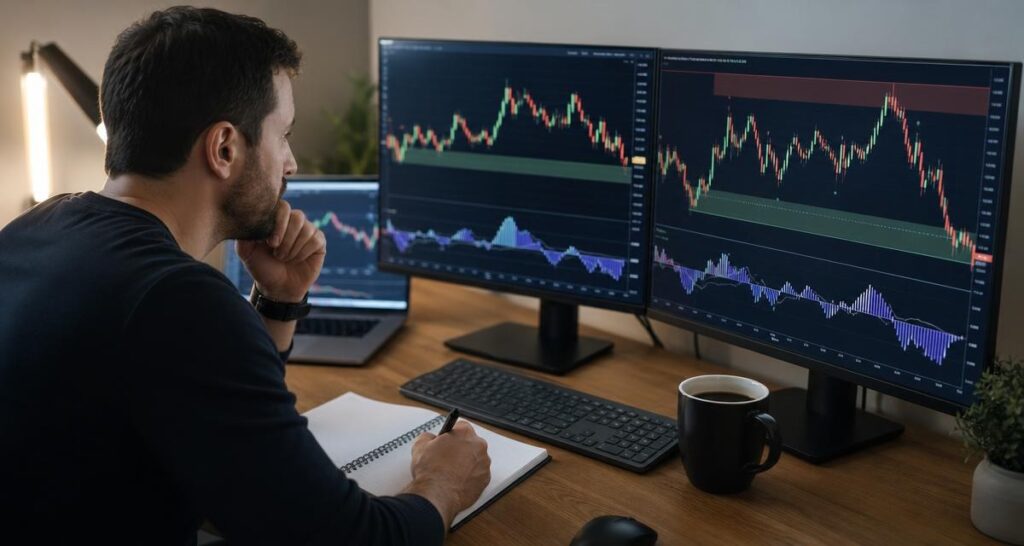
A repeatable review process can help prevent an alert from becoming an impulsive decision. The exact rules will vary by trader and method, but the following sequence provides a useful structure for examining an observation.
- Identify the event. Determine which condition triggered the alert and whether it relates to trend, momentum, structure, flow or another chart component.
- Check the timeframe. Confirm whether the event appeared on the timeframe used for analysis and whether other timeframes provide supporting or conflicting information.
- Read the surrounding structure. Review recent highs, lows, breaks, changes in character and areas where price has previously reacted.
- Assess momentum and market flow. Consider whether the current movement supports the interpretation or whether momentum appears weak, mixed or extended.
- Define invalidation. Before acting, identify what market behaviour would make the setup no longer relevant.
- Apply the trading plan. Decide whether the observation satisfies the trader’s rules, rather than creating new rules after seeing the alert.
- Record the decision. A journal can show whether alerts are useful, frequently ignored or being interpreted inconsistently.
Trading algorithms versus discretionary review
The comparison is not necessarily between algorithms and human analysis as competing choices. In many workflows, the two perform different jobs. An algorithm can scan and organize defined conditions, while a trader reviews context and decides whether the information is relevant.
| Question | Algorithm-assisted analysis | Human review |
|---|---|---|
| What is it good at? | Applying defined calculations and highlighting recurring conditions. | Interpreting context and relating the chart to a broader plan. |
| What can go wrong? | A condition may be technically present but unsuitable in the current environment. | Bias, inconsistency or emotional reactions may affect interpretation. |
| What should happen next? | Present information or generate a configured alert. | Evaluate relevance, risk and whether the plan permits action. |
| What is the best use? | Screening, monitoring and structured observation. | Final review, decision-making and ongoing risk management. |
Using both layers can create a clearer division of responsibilities. The indicator handles selected, repeatable observations. The trader remains accountable for understanding the tool, checking the chart and deciding whether the circumstances fit the intended approach.
How to use a smart money indicator responsibly
A smart money indicator may combine concepts such as market structure, momentum, trend and institutional activity into a single analytical view. This can make a chart more structured, but the terminology should not be mistaken for certainty about what any particular market participant will do next.
Start by learning the meaning of each component and deciding which observations are relevant to the trading plan. Avoid adding every available feature to a decision process simply because it appears on the dashboard. More information is not automatically better information if it creates conflicting signals or makes the process difficult to follow.
Build a defined checklist
A checklist can turn a broad chart review into a repeatable exercise. It might include the primary trend, higher-timeframe direction, current structure, momentum condition, nearby reference levels and the reason an alert was triggered. The checklist should also include the conditions that would invalidate the idea.
Testing a process in an educational or simulated setting may help a trader understand how the indicator behaves across different chart conditions. Any review of historical examples should be treated as learning about the method, not as proof of future results.
Keep the tool in its proper role
The indicator is a decision-support tool. It can help a trader organize technical analysis, but it should not replace independent review or become the sole reason for a transaction. VP ALGO TRADING positions its indicators for educational and trading-decision assistance purposes rather than as financial advice.
Questions to ask before relying on an alert
Before incorporating TradingView indicator alerts into a routine, traders should understand both the tool and their own process. Useful questions include:
- Which exact condition creates the alert?
- Does the alert appear on a confirmed event or during a developing candle?
- Which timeframe is being monitored?
- What other conditions must be present before the setup is considered?
- What would invalidate the interpretation?
- How will the decision be recorded and reviewed later?
Clear answers can make alerts more useful and reduce the risk of treating a notification as an instruction. They also help reveal whether the chosen settings support the trader’s actual method.
FAQ
Are trading algorithms the same as automated trading bots?
No. Trading algorithms can be used inside chart indicators to calculate and display market observations. A trading bot generally refers to a separate workflow designed to automate actions, which may include order execution. An indicator and an execution bot should not be assumed to have the same function.
What are TradingView indicator alerts used for?
TradingView indicator alerts notify a trader when a configured chart condition occurs. They can help with monitoring and screening, but they should normally be treated as prompts for review rather than complete trading instructions.
Can an alert guarantee a profitable trade?
No. An alert identifies a programmed condition; it cannot guarantee how the market will move or whether a decision will produce a favourable result. Trading involves uncertainty and potential losses.
What should I check after receiving an alert?
Review the triggering condition, timeframe, surrounding market structure, momentum, broader trend and any conflicting information. Then compare the setup with a predefined trading plan and identify invalidation conditions before making a decision.
Does the AKMelytics – Smart Money Indicator execute trades automatically?
The supplied product information describes AKMelytics as a TradingView technical analysis tool with configurable alerts and decision-support features. It does not describe the indicator as a broker or as a guaranteed automated execution service.
Can beginners use a smart money indicator?
Beginners can study an indicator as part of learning technical analysis, provided they first understand its features and limitations. A structured checklist, careful review and appropriate risk awareness are more important than relying on any single chart tool.
Why is human review still necessary?
Human review is needed because an alert does not know the trader’s objectives, risk limits or complete market context. The trader must interpret the observation, decide whether it fits the plan and manage the decision responsibly.


Recent Comments