
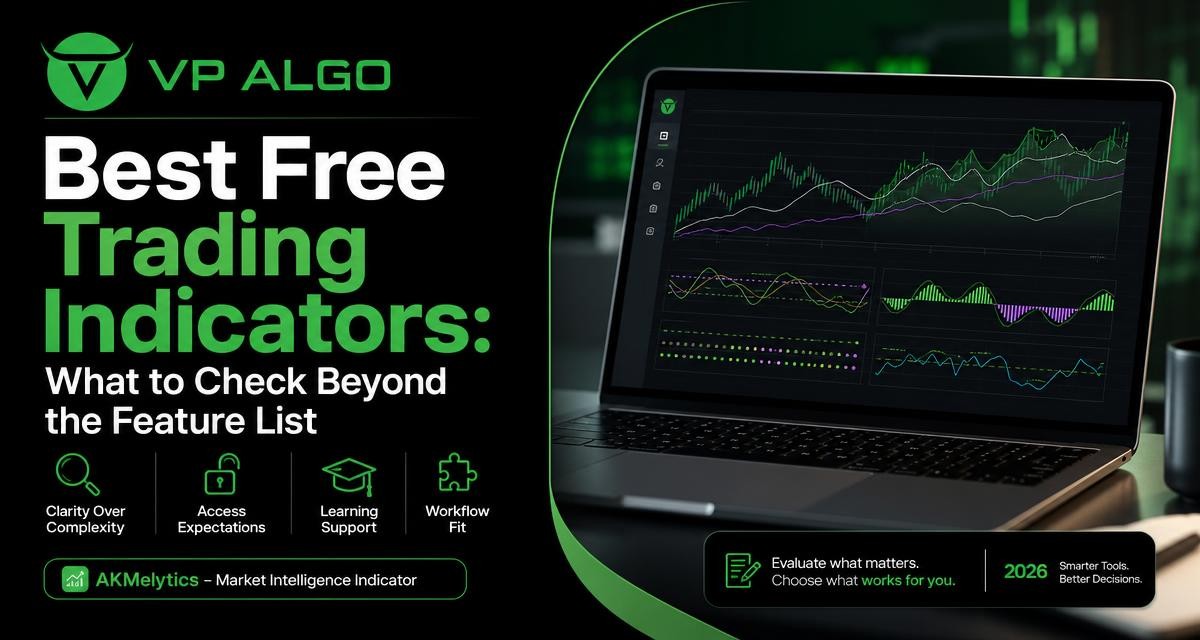
Searching for the best trading indicators free of charge can lead to long feature lists, impressive screenshots and conflicting opinions. A more useful approach is to examine how clearly an indicator presents information, how access works, what learning support is available and whether the tool fits your actual TradingView workflow. Those practical details often matter more than the number of signals or display options.
Why a feature list is not enough
A feature list tells you what an indicator is designed to include. It does not always explain how those features appear on a chart, how much interpretation they require or whether they help you follow a repeatable process. Two tools may both mention trend, momentum or market structure while offering very different experiences in daily use.
An indicator should be treated as an analytical tool rather than an automatic decision-maker. It can help organize observations, but it cannot remove uncertainty from the market or guarantee a particular outcome. The best choice depends on your goals, experience, charting habits and willingness to learn what the tool is showing.
Key criteria for evaluating free trading indicators
When comparing free tools with a trial or freely accessible version, use a consistent checklist. The following criteria help separate practical value from a collection of attractive but confusing features.
| Evaluation area | What to check | Why it matters |
|---|---|---|
| Clarity | Can you understand the labels, colors, lines and markers? | Clear information is easier to review consistently. |
| Access | How is the tool added, activated or tested on TradingView? | Simple expectations reduce avoidable setup problems. |
| Learning support | Are usage explanations or assistance available? | A well-presented tool still requires interpretation. |
| Workflow fit | Does it support the way you study charts and record decisions? | A useful indicator should fit your process, not disrupt it. |
| Scope | Does it focus on the market conditions you want to examine? | Relevant information is more useful than unnecessary detail. |
1. Check whether the information is clear
Clarity is one of the first things to assess in a trading indicator. Look at the chart and ask whether you can explain the purpose of each major element in plain language. If the display contains several colors, arrows, zones or labels, you should know what each one represents before using it as part of your analysis.
Clarity does not mean that an indicator must be visually simple. A tool covering trend, momentum, market structure and institutional activity may naturally show more information than a single-purpose oscillator. The important question is whether the information is organized in a way that supports analysis rather than creating noise.
Questions to ask about chart presentation
- Which elements describe the current trend?
- Which elements relate to momentum or changing pressure?
- Are market structure observations separated from potential trade markers?
- Can you distinguish an alert or signal from supporting context?
- Does the display remain readable when you change timeframes?
2. Understand access expectations before you begin
Free access can mean different things depending on the provider. It may refer to a publicly available indicator, a request-based trial, a limited version or an evaluation period. Before spending time learning a tool, confirm how it is made available and what steps are required to use it on TradingView.
For example, VP ALGO TRADING states that its indicator and Telegram channel are available through a request-based 7-day free trial. The supplied business information also explains that customers provide their TradingView ID by email after purchase so access can be arranged. These are practical access details, not performance claims, and they are worth understanding before evaluating whether the tool fits your needs.
Access checklist
- Identify whether the evaluation is public, request-based or limited to a particular process.
- Check which TradingView account information is needed for activation.
- Find out how installation and access questions are handled.
- Confirm what you should learn and test during the available evaluation period.
- Avoid assuming that a free evaluation makes the indicator suitable for every trading approach.
3. Look for learning support, not just signals
A trading indicator can be difficult to evaluate if you do not understand its terminology. This is especially true for tools that combine smart money concepts, institutional flow monitoring, market structure, momentum and multi-timeframe trend assessment. A signal without context may be easy to notice but difficult to interpret responsibly.
Useful learning support should help you understand what the indicator is measuring or displaying. It may include explanations of chart elements, installation assistance or help with basic usage. Support does not replace your own testing and study, but it can make the learning process more structured.
What good learning support should help you understand
- The difference between a trend observation and a possible entry marker.
- How market structure information relates to the wider chart context.
- How momentum readings should be read alongside other observations.
- How to compare information across more than one timeframe when the tool provides that view.
- Which parts of the display are educational context rather than instructions to trade.
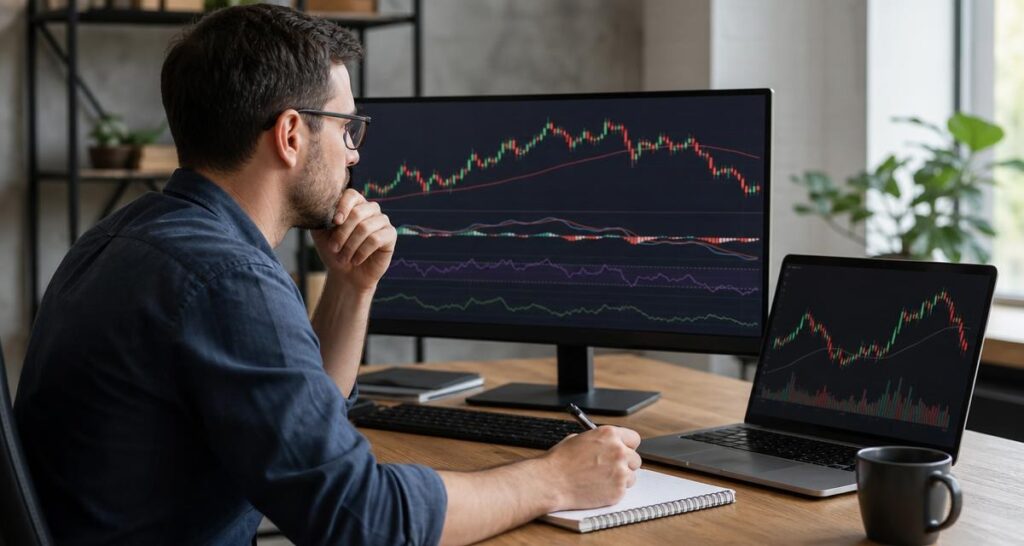
4. Evaluate workflow fit on your own charts
The best trading indicators free or paid are not automatically the best indicators for every trader. A tool should fit the way you already review markets. Consider when you analyse charts, which timeframes you use, how much information you prefer to see and whether you keep written notes about your decisions.
For instance, a trader who studies market structure first may value a tool that brings structure, trend and momentum observations into one chart view. Another trader may prefer a minimal chart and use only one indicator as a secondary check. Neither approach is universally correct. The relevant question is whether the tool helps you follow your own defined process with less confusion.
A simple workflow-fit test
- Open the TradingView chart layout you normally use.
- Apply the indicator without changing your usual analysis routine.
- Record which parts of the display you actually use.
- Note whether the tool makes your review more organized or more distracting.
- Repeat the review across different chart conditions instead of judging it from one screenshot.
5. Separate analysis features from trading decisions
Terms such as “buy and sell indicator,” “smart money indicator” and “trend indicator for TradingView” can sound definitive. In practice, an indicator’s output still needs interpretation. A marker or reading may draw attention to a condition, but it does not establish that a trade is suitable, that risk is acceptable or that a particular result will follow.
A more careful evaluation asks what the tool contributes to your analysis. Does it help you identify a trend? Does it organize market structure? Does it provide a way to monitor momentum or institutional activity? These are different questions from whether it can predict the next price movement.
Use an indicator to structure your observations, not to outsource responsibility for your trading decisions.
6. Consider how multiple features work together
Some indicators focus on one category, such as momentum or trend. Others combine several analytical perspectives. The AKMelytics – Market Intelligence Indicator is presented within VP ALGO TRADING’s range of TradingView tools, with the supplied product context referring to trend analysis, momentum evaluation, market structure, institutional activity and smart money analysis.
When a tool combines several areas, assess whether the features complement one another. For example, trend information may provide broad direction, while market structure can add context about price behavior. Momentum may offer another view of current pressure. Combining these observations can be useful for chart review, but it also increases the importance of understanding how the display is organized.
Look for useful relationships between features
- Trend and momentum: Do you understand how the tool presents direction and current strength separately?
- Market structure and trend: Can you distinguish a structural change from a continuation observation?
- Institutional activity and context: Is the information shown as supporting analysis rather than a guaranteed prediction?
- Multiple timeframes: Can you use the information without mixing unrelated chart views?
7. Compare tools by questions, not by feature counts
Counting features can make one indicator appear better than another, but the count says little about usefulness. A longer list may simply mean that more concepts are displayed. Instead, compare tools by the questions you want them to help you investigate.
| Question | Relevant indicator capability | Practical evaluation |
|---|---|---|
| What is the broader market direction? | Trend analysis or multi-timeframe trend assessment | Check whether the display is understandable at your normal chart settings. |
| How is price structure developing? | Market structure information | Learn the labels before treating them as part of a review routine. |
| Is current momentum changing? | Momentum evaluation | Use it as context alongside the rest of the chart. |
| What activity does the tool highlight? | Institutional activity or smart money analysis | Understand exactly what the visual elements are intended to represent. |
| Can the tool fit my process? | Readable layout and practical access | Test it in the same workflow you use for chart study. |
8. Build a disciplined evaluation process
Even a free evaluation should be approached methodically. Start with a written list of the information you want from a trading indicator. Then spend enough time learning the display before deciding whether it deserves a place in your chart layout.
A useful evaluation does not require you to treat the indicator as a source of guaranteed outcomes. Instead, review whether it improves the consistency of your observations. You can note which features you understand, which ones you ignore and whether the tool helps you describe market conditions more clearly.
Suggested review notes
- What did the indicator show?
- Which part of the display did you understand immediately?
- Which labels or concepts required further explanation?
- Did the information support your existing analysis or add unnecessary complexity?
- Can you explain the tool’s role without describing it as a prediction engine?
How AKMelytics fits this evaluation approach
For traders using TradingView, AKMelytics – Market Intelligence Indicator can be considered through the same practical framework. Its stated areas of analysis include trend, momentum, market structure, institutional activity and smart money concepts. That makes clarity, education and workflow fit especially relevant when reviewing the tool.
VP ALGO TRADING develops and sells trading indicators and algorithmic trading tools, and positions its products for educational and trading-decision assistance rather than official financial advice. If you evaluate the indicator, focus on whether its information is understandable and useful within your own chart-review process. Do not judge it solely by the presence of a particular label or signal.
A practical checklist before choosing a free indicator
- Write down the market questions you want the tool to support.
- Check whether the indicator’s visual language is clear.
- Understand how access, activation and installation work.
- Look for enough learning support to interpret the display correctly.
- Test the tool in your normal TradingView layout.
- Separate contextual analysis from decisions about whether to trade.
- Keep notes on what helps and what creates distraction.
- Choose the tool that fits your process rather than the one with the longest feature list.
FAQ
What are the best trading indicators free of charge?
There is no single best choice for every trader. The strongest candidate is the tool that is clear, accessible, supported with useful explanations and suited to your chart-review workflow.
How should I compare free TradingView indicators?
Compare their clarity, access process, learning support, analytical scope and workflow fit. Test each tool against the same questions instead of comparing feature counts alone.
Does a free trading indicator guarantee better trading results?
No. An indicator can organize information and support analysis, but it cannot guarantee profits, eliminate losses or predict future market outcomes.
What should I learn before using a smart money indicator?
Learn what the displayed labels, zones, markers and structure observations represent. You should also understand how the tool’s information is intended to support, rather than replace, your own analysis.
Is a multi-feature trading indicator better than a simple one?
Not necessarily. A multi-feature tool may provide broader context, while a simple indicator may be easier to understand. The better option is the one you can use consistently and interpret responsibly.
Does VP ALGO TRADING offer a way to evaluate its indicator?
The supplied business information states that VP ALGO TRADING offers a request-based 7-day free trial for its indicator and Telegram channel. Access and activation expectations should be confirmed through the company’s stated process.


Recent Comments