
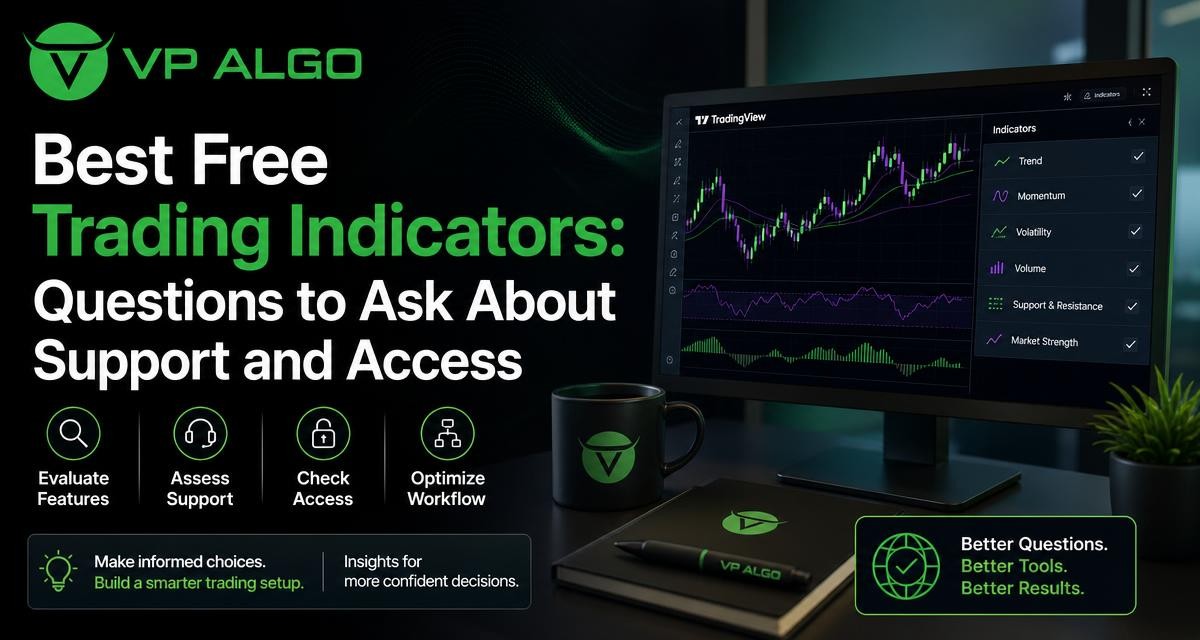
Searching for the best trading indicators free can lead to a long list of chart tools, scripts and trial offers. Yet the most useful comparison is not only about how many signals an indicator displays. Traders also need to understand how access works, whether setup help is available, what the tool is designed to analyse and how clearly it fits into an existing TradingView workflow.
What should a free trading indicator actually help you evaluate?
A free indicator should give you information that supports a repeatable chart-reading process. Depending on the tool, that may include trend direction, momentum, market structure, volatility or possible changes in price behaviour. The indicator should make its purpose clear rather than encouraging you to collect signals without a defined decision process.
That distinction matters because an indicator is an analytical aid, not a substitute for risk management or independent judgement. Even a well-designed TradingView trading indicator cannot remove uncertainty from markets, guarantee a result or tell every trader what action to take. A useful tool helps organise information so that you can evaluate a setup more consistently.
Start with the job the indicator is meant to perform
Before comparing a free tool with a paid option, identify the specific gap in your process. You may need a trend indicator for TradingView to help separate directional and less directional conditions. You may be looking for a momentum indicator for TradingView to add context to a move. Or you may want a market structure indicator that helps you examine swing relationships and changes in market behaviour.
Some tools combine several analytical perspectives. The TradingView indicator offered by VP ALGO TRADING is positioned around market intelligence, including trend analysis, momentum evaluation, market structure, institutional activity and smart money concepts. This type of combined approach may appeal to traders who want several layers of context in one workspace, but the right choice still depends on whether those layers are understandable and useful in the trader’s own method.
Questions to ask before choosing among the best trading indicators free
A practical comparison starts with access and support questions. These are easy to overlook when a tool is presented as free, but they can influence how quickly you can use it and whether you understand what appears on the chart.
1. Is the tool genuinely accessible for your intended use?
“Free” can describe several different access arrangements. A script may be publicly available, available for a limited period, or offered as a request-based trial. It may also require a particular TradingView account setup or a manual invitation. Ask what you need to do before the indicator becomes visible in your account and whether access is temporary or ongoing.
VP ALGO TRADING states that it offers a request-based seven-day free trial for its indicator and Telegram channel. Because trial arrangements can have their own requirements, a prospective user should confirm the current process directly rather than assume that every visitor receives automatic access.
2. How is access activated after purchase?
Access procedures are especially important for invite-only or account-linked indicators. A clear process should explain what information the provider needs, where that information should be sent and what the user should do after activation.
For its TradingView indicator offering, VP ALGO TRADING instructs customers to provide their TradingView ID by email after purchase. This is different from downloading a generic file, so traders should understand the process before committing. They should also check that the TradingView ID is copied correctly and that they know how to add the indicator once access has been granted.
3. What kind of support is available?
Support does not need to mean unlimited or instant assistance. The useful question is whether there is a clear contact route for ordinary problems such as installation, activation and basic usage. A provider should make it reasonably clear how a user can ask for help when the indicator does not appear as expected or when the chart settings are confusing.
VP ALGO TRADING states that customers can contact support for installation, activation or usage assistance. This is a practical point of comparison with a free script that may have no direct support channel. Before choosing, consider how much guidance you are likely to need and whether self-service documentation is enough for your experience level.
4. Are the signals and features explained in plain language?
A crowded chart is not automatically an informative chart. Look for an explanation of what each label, line, colour or panel represents. If a tool refers to smart money, institutional flow, trend or momentum, you should be able to understand how those ideas are being used within the indicator rather than treating the terminology as a guarantee of better decisions.
Clear explanations also make it easier to build a trading plan around the tool. For example, a trader might use trend information for broader context, market structure for analysing price organisation and momentum information for judging whether a move has supporting strength. The indicator should inform that process, not replace it.
Free and paid indicators: compare the workflow, not just the label
The difference between a free and paid tool is not always the number of features. A free indicator may be perfectly suitable for learning or for a simple chart routine. A paid tool may be worth investigating when a trader needs a more structured combination of analytical views or a defined access and support process. Neither label alone proves that one tool is more suitable.
| Comparison area | Questions about a free indicator | Questions about a paid or trial-based tool |
|---|---|---|
| Access | Can it be added to the intended TradingView account and chart? | Is access activated manually, by account ID or through another process? |
| Purpose | Does it address a specific analytical need? | Do the combined features fit the trader’s existing workflow? |
| Support | Is there documentation or a community for basic questions? | Is there a stated contact route for installation, activation and usage help? |
| Clarity | Can the signals be understood without excessive guesswork? | Are the different analysis layers explained well enough to use responsibly? |
| Testing | Can you observe the tool in practice before relying on it? | Is there a request-based trial or another way to evaluate the workflow? |
| Decision process | Does it support a repeatable method rather than signal chasing? | Does it improve organisation without encouraging claims of certainty? |
This comparison keeps the focus on usability. It also avoids a common mistake: assuming that a higher number of features automatically creates a better trading process. A tool that you understand and apply consistently may be more useful than one with a longer feature list that you cannot interpret.
How to assess a TradingView trading indicator in practice
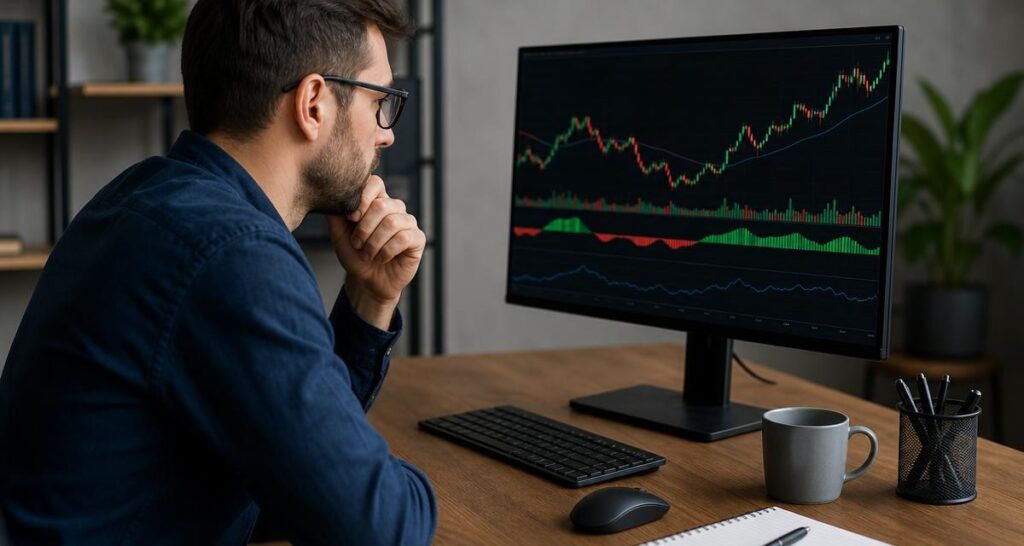
TradingView makes it convenient to place analytical tools on a chart, but convenience can also lead to overloading the screen. When testing an indicator, examine how it behaves within the chart layouts and timeframes you normally use. Consider whether the information is readable, whether multiple signals duplicate one another and whether the display helps you focus on market conditions.
Review trend and momentum together
Trend analysis and momentum analysis answer related but different questions. Trend information can help you consider the broader direction or condition of the market. Momentum information can add context about the strength or persistence of a move. Looking at both may provide a fuller view than relying on a single buy and sell indicator, but it still does not remove the need to define entries, exits and risk before trading.
When reviewing a tool, ask whether trend and momentum features are easy to distinguish. If every element produces a similar alert, the chart may create the impression of confirmation without adding genuinely different information. A structured indicator should help you understand why several elements are present and what role each one plays.
Examine market structure and smart money concepts carefully
A smart money indicator or market structure indicator may be used to examine swing points, changes in directional behaviour and areas that traders associate with institutional activity or smart money concepts. These terms should be treated as analytical frameworks, not as proof that a particular market participant has taken a specific position.
Ask whether the chart markings are clear enough to review after the fact and whether you can describe their meaning without relying on vague interpretations. If the indicator helps you ask better questions about structure and flow, it may have a useful place in your analysis. If it encourages you to follow labels automatically, it may be adding noise rather than clarity.
Check multi-timeframe context
Multi-timeframe trend assessment can be useful when a trader wants to compare a broader chart view with a more detailed one. For example, a higher timeframe may provide context while a lower timeframe is used to inspect price behaviour more closely. The important point is to define the role of each timeframe before using the information.
Avoid treating agreement between timeframes as a guarantee. Markets can change, and different timeframes can produce different readings at the same moment. The purpose of multi-timeframe analysis is to organise context, not to eliminate uncertainty.
Signs that a free indicator may not be the right fit
Free access can be useful, but it may not solve every workflow problem. A tool may be a poor fit if its purpose is unclear, if the chart display is difficult to read or if you cannot determine how its alerts relate to your own rules. Lack of support can also become a practical limitation when the setup is not straightforward.
- Unclear terminology: The tool uses technical labels without explaining how they appear on the chart.
- Too many overlapping signals: Several elements appear to say the same thing without improving your analysis.
- No defined testing process: You cannot observe the tool in a controlled way before incorporating it into decisions.
- Access uncertainty: You do not know whether the script is public, temporary, account-linked or manually activated.
- Support uncertainty: There is no clear route for questions about installation or usage.
- Dependence on alerts: The tool encourages automatic action instead of review and planning.
These issues do not necessarily mean that an indicator is technically defective. They may simply show that it does not match your experience, chart routine or learning needs. The best trading indicators free options are the ones that provide understandable information within a process you can explain and repeat.
Where a structured market intelligence indicator may fit
Some traders prefer separate tools for trend, momentum and market structure. Others prefer a single TradingView indicator that brings several perspectives into one framework. The AKMelytics – Market Intelligence Indicator is the identified offering in this topic, while the supplied business information describes VP ALGO TRADING’s indicator tools as covering trend analysis, momentum signals, market structure, institutional flow monitoring, multi-timeframe trend assessment and smart money analysis.
This kind of tool may be worth evaluating when your main problem is fragmented analysis. Instead of moving between unrelated indicators, you can assess whether a combined view makes your chart review more organised. The key test is still practical: can you explain the information, apply it alongside your own rules and maintain sensible risk controls?
VP ALGO TRADING positions its indicators for educational and trading-decision assistance rather than as financial advice. That distinction should remain central when reviewing any indicator. A tool can support technical analysis while leaving the final interpretation and risk decision with the trader.
A simple checklist before relying on any indicator
Use the following checklist when comparing a free script, a request-based trial or a paid TradingView trading indicator:
- Write down the analytical problem you want the tool to address.
- Confirm how access is granted and whether your TradingView ID is required.
- Find out where to ask for installation, activation or usage assistance.
- Read the explanation for trend, momentum, structure and smart money features.
- Test the display on the charts and timeframes relevant to your routine.
- Record what the indicator shows without assuming that a signal predicts an outcome.
- Decide in advance how the tool fits with your own entry, exit and risk rules.
- Review whether the indicator makes your process clearer or simply adds more chart activity.
This method turns an online search into a more useful evaluation. Rather than asking only which indicator is “best,” you are asking which tool provides understandable information, workable access and suitable support for your own approach.
Frequently asked questions
What are the best trading indicators free for beginners?
The best free indicator for a beginner is one with a clear purpose and understandable display. Start with a tool that helps you study one or two concepts, such as trend or momentum, before adding more layers. Free access alone does not determine whether an indicator is suitable.
How should I compare a free TradingView trading indicator with a paid tool?
Compare access, feature clarity, support and workflow fit. Ask how each tool is activated, what it is designed to analyse, whether the chart information is understandable and where you can get help. Do not assume that paid access guarantees better results.
Does VP ALGO TRADING offer a free trial?
The supplied company information states that VP ALGO TRADING offers a request-based seven-day free trial for its indicator and Telegram channel. Trial access may involve specific current requirements, so prospective users should confirm the process directly.
What information is needed to access the indicator after purchase?
VP ALGO TRADING instructs customers to provide their TradingView ID by email after purchase. This account-linked process should be completed carefully so the provider can handle access correctly.
Can an indicator guarantee profitable trades?
No indicator should be treated as a guarantee of profit or as a way to eliminate losses. Indicators organise market information, while outcomes remain uncertain. Traders still need their own analysis, risk controls and decision rules.
What is the difference between a smart money indicator and a market structure indicator?
A market structure indicator generally helps examine how price swings and directional behaviour are organised. A smart money indicator may incorporate concepts associated with institutional activity or smart money analysis. The exact interpretation depends on the tool’s design, so review its explanation rather than relying on the label alone.
Is a combined indicator better than using several separate tools?
Not necessarily. A combined indicator may make a workflow more organised, while separate tools may be easier to understand individually. Choose the approach that gives you clear, non-duplicated information and supports a process you can apply consistently.


Recent Comments