
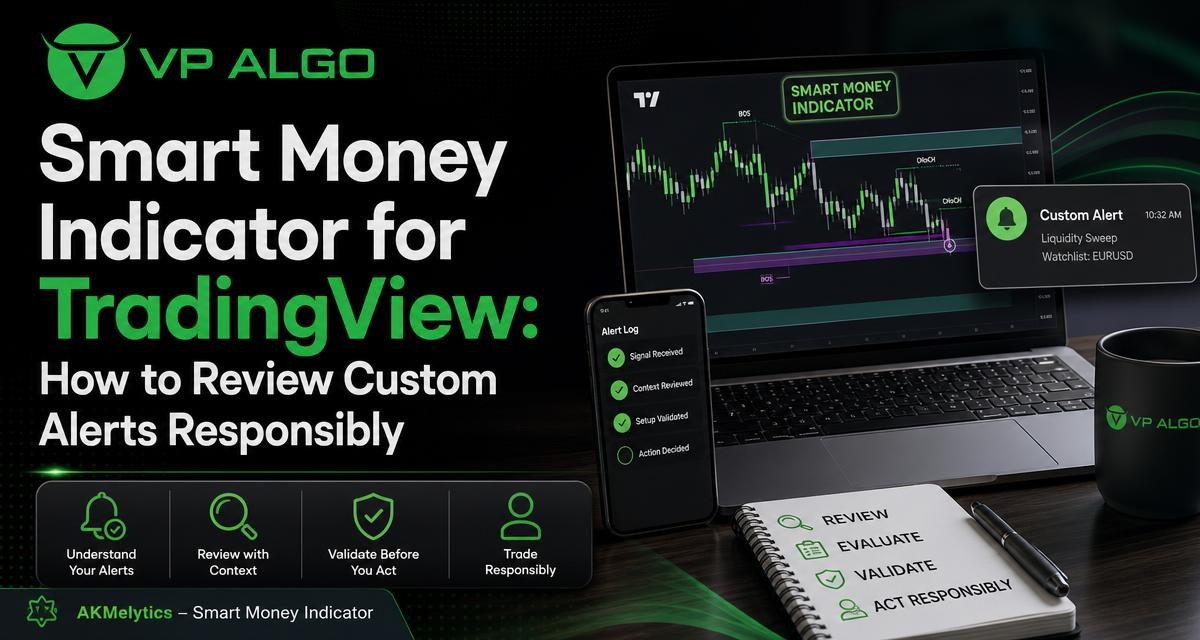
A smart money indicator for TradingView can help organise information about trend, momentum, market structure, market flow and smart money concepts in one charting workflow. However, an alert is a prompt for review, not an automatic trading decision. Before relying on custom alerts, prospective users should understand what the indicator is showing, how notifications are configured and which parts of the analysis still require manual follow-up.
What a smart money indicator for TradingView is designed to do
A smart money indicator is a technical analysis tool that brings several types of market information together. Rather than asking a trader to interpret a single line or isolated signal, a multi-feature indicator may present trend conditions, momentum, market structure events, relative strength, market flow and smart money analysis in a more structured format.
The Delphi Intelligence Smart Money Indicator from VP ALGO TRADING is designed around this type of combined analysis. Its listed features include multi-timeframe assessment, break of structure (BOS) and change of character (CHoCH) events, Fibonacci projections, volatility-based target and risk reference levels, dashboard context and configurable TradingView alerts. These features can support the review of potential setups, but they do not remove the need to understand the chart or make an independent decision.
Why several forms of context matter
A momentum reading may suggest that market movement is strengthening, while a market structure event may indicate a change in how price is behaving. Trend analysis can add broader direction, and multi-timeframe context can show whether a shorter-term setup agrees with or conflicts with the larger chart view. Looking at these elements together is generally more informative than treating one alert as a complete trade thesis.
The phrase “smart money” should also be treated carefully. An indicator can provide analytical references related to institutional activity, market flow or smart money concepts, but it cannot directly reveal every decision made by professional market participants. The displayed information remains an analytical aid that must be interpreted in the context of the selected chart and timeframe.
What to review before using custom alerts
When evaluating a smart money trading indicator, begin by identifying the event behind each alert. A notification may relate to momentum, trend, BOS, CHoCH, a level, a multi-timeframe condition or another configured feature. If the alert message does not make the triggering condition clear, it may be difficult to decide whether the notification deserves immediate chart review.
Reviewing the alert logic does not require assuming that every technical detail will predict the next price move. The practical question is whether the alert helps you find relevant charts and then apply a repeatable review process. A useful alert reduces the time spent scanning for a condition; it should not encourage automatic action without context.
| Review area | Questions to ask | Why it matters |
|---|---|---|
| Trigger | What event or condition generated the alert? | It identifies what the notification actually represents. |
| Timeframe | Which chart timeframe was active when the alert appeared? | The same event can have different significance across timeframes. |
| Market context | Do trend, momentum and structure support the same interpretation? | Confluence can provide a more complete basis for review. |
| Price location | Is price near a meaningful structure area or projected level? | Location can affect how a setup should be interpreted. |
| Follow-up | What must be checked manually before any decision? | It keeps the alert in an assistive, rather than automatic, role. |
Understanding TradingView alert expectations
Configurable alerts can be useful because they bring a selected condition to your attention while you are reviewing other charts or activities. The important distinction is between an alert and a live signal service. An alert indicates that a configured condition has been detected according to the indicator and chart settings; it does not promise a particular market outcome or replace chart analysis.
Notification behaviour also depends on the way the TradingView alert is created and the settings selected by the user. Before evaluating the tool, check which indicator condition is selected, which symbol and timeframe are involved, and how the notification is delivered through your TradingView setup. Avoid assuming that every available feature produces an alert, or that every alert has the same urgency.
Questions to clarify during an evaluation
- Which indicator condition can be used as the alert trigger?
- Is the alert connected to the symbol and timeframe you intended to monitor?
- Does the alert message provide enough context for a quick first review?
- Will the notification be visible through the delivery method you selected?
- Can you distinguish a structural event from a momentum or trend condition?
These questions help set realistic expectations. A notification can draw attention to a possible development, but it cannot account for every factor affecting a chart. Market conditions can change after an alert, and a setup that appears interesting on one timeframe may look less convincing when reviewed against a broader trend.
How to perform manual follow-up after an alert
Manual follow-up is the step that turns a notification into a structured review. Start by opening the relevant chart and confirming that the symbol, timeframe and alert condition match what you intended to monitor. Then examine the surrounding price action rather than focusing only on the candle or level that triggered the notification.
1. Confirm the broader trend
Use the available trend and multi-timeframe information to establish the wider market context. Ask whether the alert points in the same general direction as the higher-timeframe assessment or whether it represents a move against that context. Neither situation automatically determines what to do, but the difference should be recognised before interpreting the setup.
2. Examine market structure
Review BOS and CHoCH markings in relation to recent price movement. A break of structure or change of character should be read alongside the location of price, nearby swing points and the timeframe on which the event occurred. Do not treat the label alone as proof that a sustained trend change has taken place.
3. Check momentum and relative strength
Momentum and relative strength can add information about the quality or intensity of a move. Consider whether they support the structural picture or introduce uncertainty. When the readings disagree, that disagreement is itself useful context: it may indicate that the chart needs closer observation rather than immediate action.
4. Review projected and reference levels
Fibonacci projections and volatility-based target or risk reference levels can help users map possible areas for further consideration. They are reference points, not guarantees that price will reach a target or respect a level. Review them in relation to current price, market structure and the timeframe being analysed.
5. Write down the decision criteria
A short checklist can reduce impulsive reactions to notifications. Record what the alert showed, what the broader chart context indicated, which conditions were confirmed, and what would invalidate the setup from your perspective. This creates a clearer evaluation process and makes it easier to assess whether the indicator is genuinely helping your workflow.
Using the dashboard without overloading the chart
A dashboard can bring several readings into view, but more information is not automatically better information. During an evaluation, identify the few dashboard elements that are most relevant to your process. For example, you may first review the broader trend, then structure, then momentum and finally the relevant reference levels.
If every available label and alert is treated as equally important, the chart can become difficult to interpret. Consider configuring only the conditions you understand and can review consistently. A smaller set of meaningful alerts may be more useful than a large number of notifications that do not lead to a clear next step.
Evaluating a smart money indicator during a trial
VP ALGO TRADING offers a request-based 7-day free trial for its indicator and Telegram channel. Prospective users can use an evaluation period to learn the interface and determine whether the tool fits their analysis routine. The purpose of a trial should be familiarisation and process testing, not an assumption that a short period can establish future trading results.
During the trial, focus on practical questions. Can you identify what each alert means? Can you locate the supporting trend and structure information quickly? Do the notifications fit your schedule and chart-review habits? Can you explain, in your own words, why an alert deserves further attention?
| Trial task | What to observe |
|---|---|
| Set up a small watchlist | Whether the indicator fits the symbols and charts you normally review. |
| Test selected alert conditions | Whether the trigger and message are understandable. |
| Review different timeframes | How trend, structure and momentum readings change with context. |
| Keep a review log | Whether alerts lead to a consistent manual process. |
| Ask for assistance when needed | Whether installation, activation or usage questions are addressed through available support. |
Installation, access and support expectations
After purchase, customers are instructed to provide their TradingView ID by email for product access. Support can be contacted for installation, activation or usage assistance. This process is separate from the analytical interpretation of an alert: obtaining access helps you use the tool, while deciding how to evaluate a setup remains the trader’s responsibility.
When contacting support, provide a clear description of the issue and the relevant account or access information requested by the business. For usage questions, explain which feature or alert you are reviewing. Clear questions make it easier to distinguish an access problem from a chart-setting or interpretation question.
Common mistakes when reviewing smart money alerts
- Treating one alert as a complete setup: A notification should lead to chart review, not automatic execution.
- Ignoring the timeframe: A short-term event may not agree with the broader trend.
- Assuming “smart money” means certainty: The label describes an analytical concept, not guaranteed knowledge of institutional decisions.
- Using every alert option at once: Excessive notifications can make prioritisation harder.
- Confusing reference levels with outcomes: Projections and risk references are analytical aids, not promises.
- Skipping documentation: Without notes, it is difficult to judge whether the tool improves your process.
Where the indicator fits in a responsible workflow
The Delphi Intelligence Smart Money Indicator can serve as a structured analysis layer for traders who use TradingView and want to review trend, momentum, market structure, market flow and smart money conditions together. Its alerts may help bring selected developments to the user’s attention, while its dashboard and multi-timeframe features can support a broader chart review.
The most responsible way to assess the tool is to define its role clearly. Use it to organise observations, identify conditions for review and support technical analysis. Combine its readings with your own process for context, risk awareness and decision-making. VP ALGO TRADING positions its indicators as educational and trading-decision assistance tools rather than financial advice, so users should not interpret an alert as a guarantee or personalised recommendation.
Frequently asked questions
What is a smart money indicator for TradingView?
It is a TradingView technical analysis tool that organises information related to trend, momentum, market structure, market flow and smart money concepts. The Delphi Intelligence Smart Money Indicator also includes multi-timeframe analysis, dashboard context and configurable alerts.
Do smart money indicator alerts tell me when to trade?
No. An alert identifies a configured condition for review. You should examine the chart, timeframe, structure, momentum and broader context before making any trading decision.
Can I customise alerts with the indicator?
The indicator includes configurable TradingView alerts. The exact alert behaviour depends on the condition selected and the chart and notification settings used in your TradingView setup.
What should I check after receiving an alert?
Confirm the symbol and timeframe, identify the triggering condition, review the broader trend, examine market structure, check momentum and consider relevant reference levels. Record the reasoning before deciding whether the setup deserves further attention.
Does the indicator guarantee profitable results?
No. The indicator does not guarantee profits, eliminate losses or predict future results. It is intended to support analysis and trading-decision assistance, not provide financial advice.
Is there a way to evaluate the indicator before purchasing?
VP ALGO TRADING offers a request-based 7-day free trial for its indicator and Telegram channel. Prospective users should use the evaluation period to assess the interface, alerts and fit with their own review process.
What should I do if I need help with access or installation?
After purchase, customers are instructed to provide their TradingView ID by email. Support can be contacted for installation, activation or usage assistance.


Recent Comments